Holiday Balance Calculator
Calculate the holiday balance your employees have remaining within your business' leave year.
How to calculate employee holiday balances
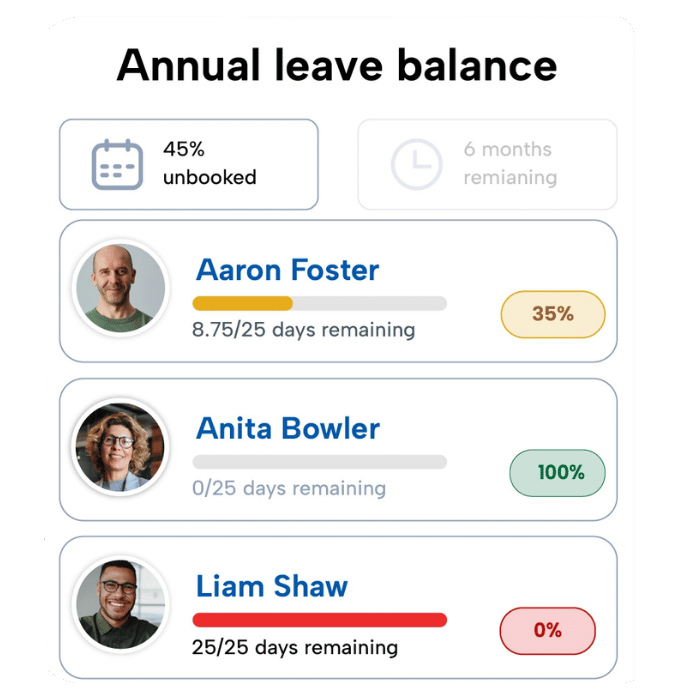
Calculating annual leave balances is easy. Simply take the number of days your employee has already taken and the number of days they have booked, and remove this from their annual leave entitlement. With this number, you can also calculate the percentage of annual leave remaining. For example:
If an employee has 10 days remaining of their 30-day allowance, they have 30% of their annual leave balance remaining.
Holiday balance formula
Remaining holiday balance =
Entitlement or holiday accrued - days of annual leave taken or already booked
Reasons to track holiday balances
Tracking how much annual leave your employees have taken or remaining is a great way to handle leave management in the workplace. Allowing you to keep accurate holiday records, comply with legislation and support employee wellbeing.
- Prevent burnout and support a positive workplace culture
- Support compliance with holiday record keeping rules
- Simplify the handling of leave requests
With a staff holiday planner from BrightHR, managers can view approve holiday requests, view upcoming absences and keep track of balances, all in one place.
Manage annual leave with HR software

Approve leave requests
With the staff holiday planner be instantly notified when an employee requests annual leave

Track holiday balances
View how many annual leave days an employee has remaining in the leave year

Store holiday records
Support compliance with legislation by storing annual leave records

Support employee wellbeing
Provide staff with employee wellbeing tools to prevent burnout and promote breaks from work