- Blip clocking in app
Record staff hours easily with our clock in and out app
Blip is the staff clock in system that makes clocking in and out effortless. With just a click, you can…
- See who’s clocked in, on break, or finished
- Payroll-ready hours calculated automatically
- Works for remote teams, part-time staff, and shift workers
- Reliable records that keep your business compliant

Join the businesses around the world that have reached 60 million+ clock-ins
Join the businesses around the world that have reached 60 million+ clock-ins





Simple staff clocking in
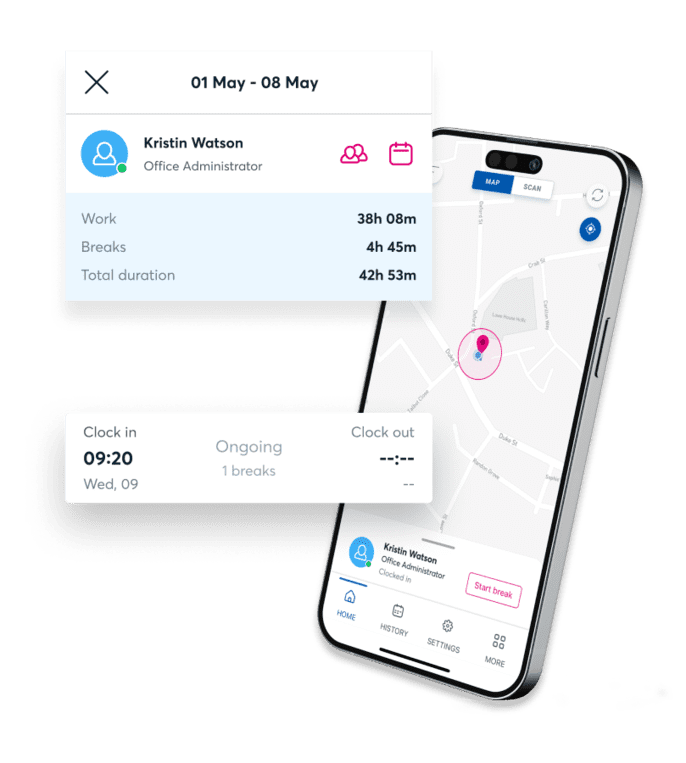
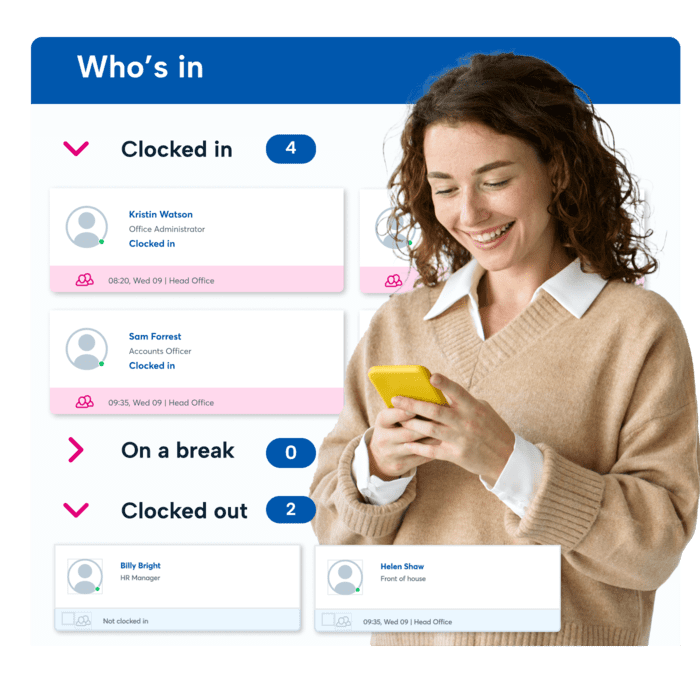
Stop chasing clock-ins. See what’s happening instantly.
- Staff clock in and out in seconds
- Real-time view of who’s working, on break, or finished
- No paper sheets, no manual follow-ups, no guesswork
- One clear system instead of messages, reminders, and fixes
Compliance-ready records you can rely on
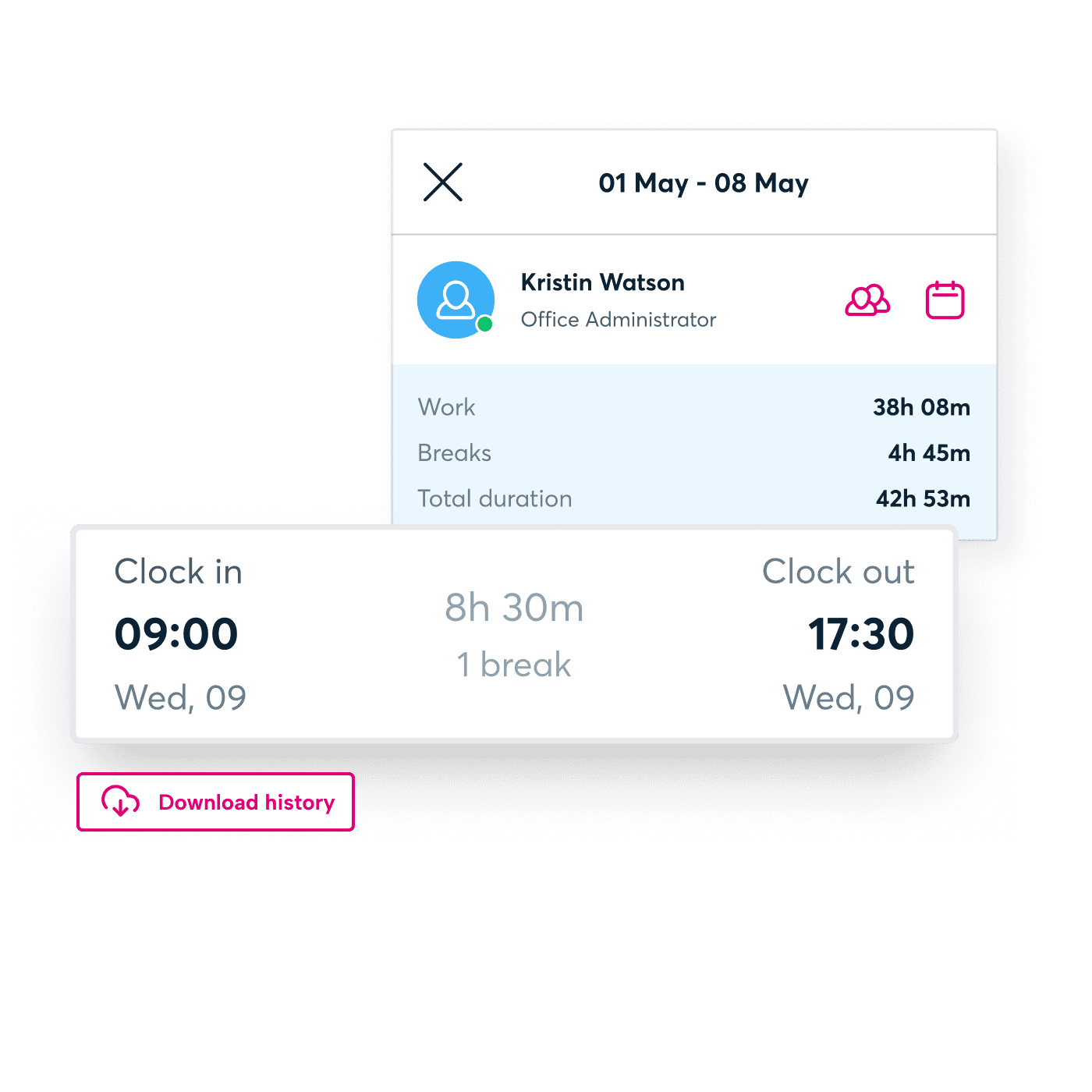
Clear history that protects you if questions come up.
- Accurate records of hours, breaks, and work history
- Easy access to past clock-ins when you need them
- Supports Working Time Regulations without extra admin
- Confidence that your records are complete and consistent
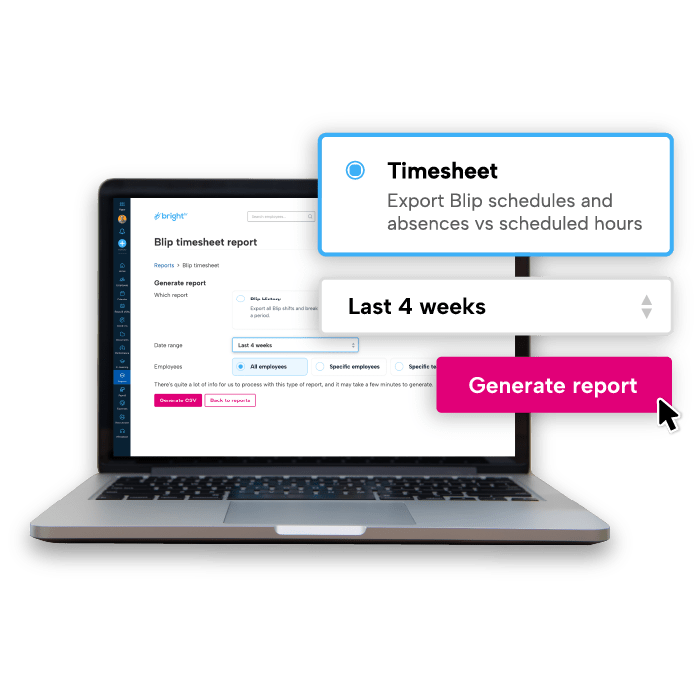
Timesheet reports that actually make sense
See who worked what, when, and spot the discrepancies.
- Compare planned vs actual hours in one simple view
- Spot overtime patterns before they become expensive
- Keep accurate payroll records with all the context you need
- Export audit-ready reports for compliance checks
 Google Reviews
Explore what else BrightHR has to offer

Never be understaffed thanks to easy-to-use absence management software that gives you real-time notifications and EAP resources for extended sick leave.

Carry your electronic filing system in your pocket with unlimited document storage space. Upload, store, and view documents in seconds.

Create, assign, and edit shifts and rotas with ease across ANY working pattern. Plus bring flexibility with our new open shifts feature.

Make your staff holiday management a breeze. Approve holiday requests on the go, get notified of clashes, and get a single view of your entire teams schedule.

Avoid costly mistakes with our step-by-step planner that helps you avoid tribunals and penalties with a compliant process, unlimited advice, and expert HR templates.

Get the right person for the job every time by tracking, storing, organising, and managing your applicants from job openings to onboarding.
Interested in BrightHR? See it in action
Dive into our award-winning software and see our range of people management tools for yourself
FAQs
Yes, your employees can edit their shifts as well as add / edit breaks, but this will go through an approval process in the form of an adjustment request.
This request will be like an absence request in hierarchy which means it will go to any assigned managers and all admins.
Yes, you can!
Simply head to the clock ins section and in to the history tab.
Here you will be able to view your employees clock ins and breaks including details of the location they clocked in from, any notes included and any adjustment requests.
You can also make use of our handy filters which allow you to filter by specific employees / teams, clock in locations as well as completed clock ins and/or including notes.
You can if your admin has enabled the setting.
If they have, you will find an 'Add shift' button that will allow you to add a historical shift including your break.
If you do not see the option, please discuss with your admin.
Yes you can enable the setting in the Blip settings section on the clock-ins section.
Once enabled, the employee can clock in from 3 locations on the website, from their dashboard, the quick actions list on the nav bar and in the clock-ins section itself.
You can delete a clock in location by heading in to the locations tab in the clock-ins section, clicking the 3 dots next to the location and then select deactivate location.
You can also do the above on the Blip app as well.
Please note, once deleted, this cannot be reversed but will not affect any historic clock in history for the location.