- Home
- Help centre
- >
- ...
- >
- Everything you need to know about BrightHR
Everything you need to know about BrightHR
Introduction
In this handy course you'll be guided through the process of setting up your BrightHR account, all with our easy to follow step-by-step guide.
You'll also find out how to make the most of all the time saving features BrightHR has to offer on both the website and with our handy mobile apps.
About BrightHR
BrightHR is a super simple HR software that allows you to securely store all of your employee data in one easy to find place.
On top of this, you'll also gain access to some handy features that'll make absence management easier for you and your staff.
Over 1,000,000 people trust BrightHR for their HR management.
Key Features of BrightHR
- Manage employee entitlements with ease and see real-time updates as employees request vacation.
- Say goodbye to long-winded approval processes and approve & decline absence requests with the push of a button.
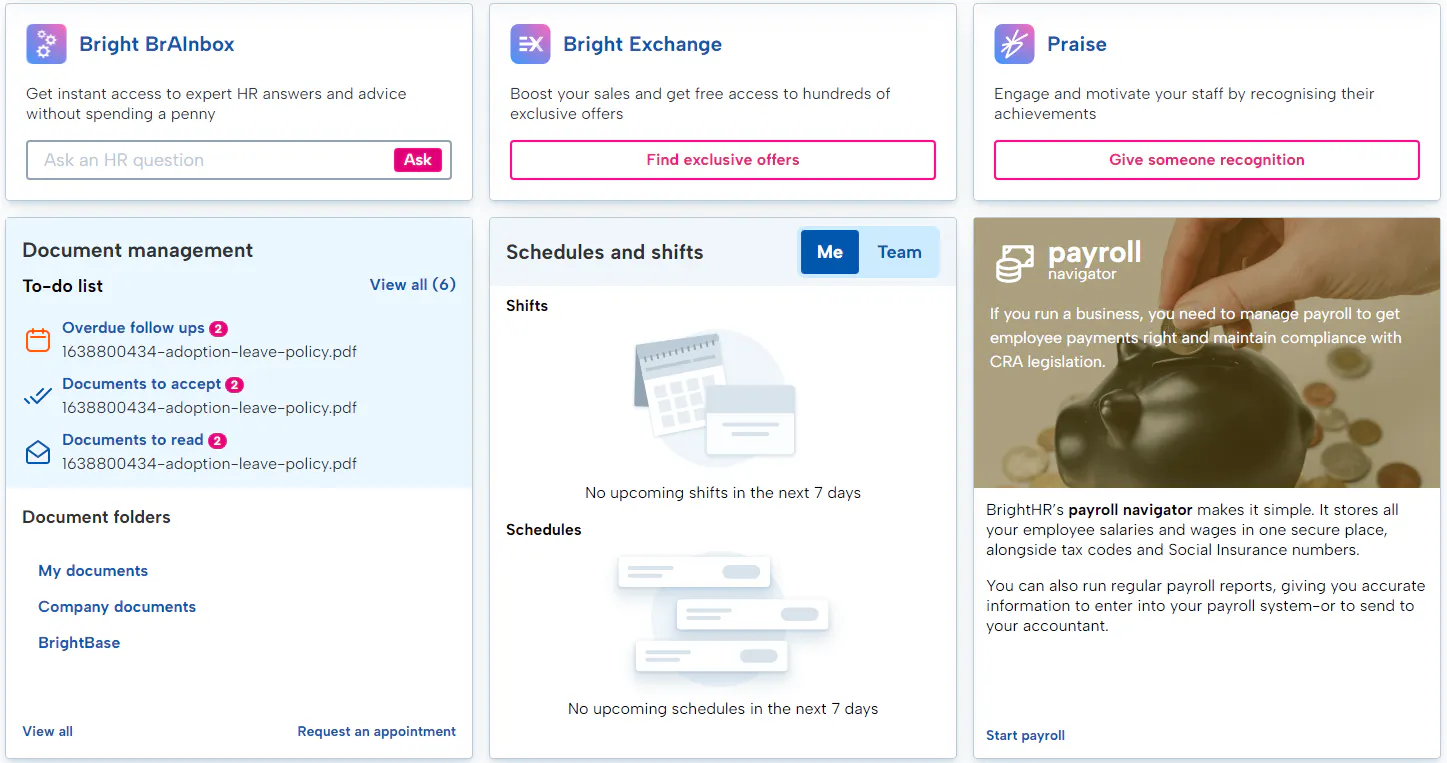
- Our easy to use schedule planning software allows you to add and share shifts with your staff in a few simple clicks.
- Securely store employment documents in one easy to find place with your unlimited, cloud-based document storage.
- Make learning management a breeze with our E-learning system allowing you to assign, track and report on our E-learning courses.
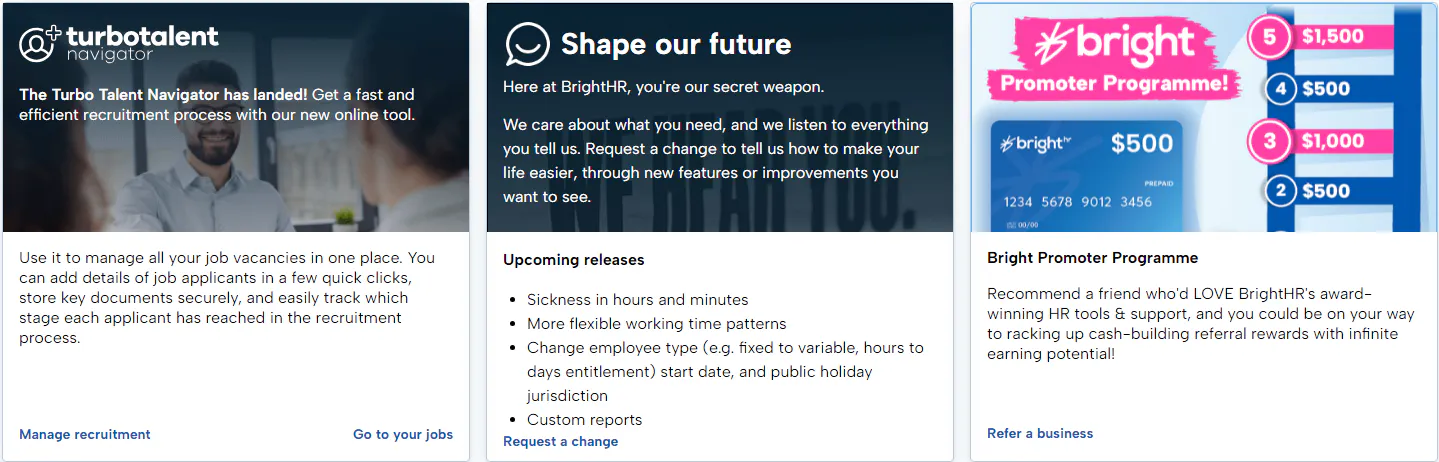
- Easily record and track the recruitment process with our handy recruitment tool, Turbo talent Navigator.
- Anytime anywhere access with our handy mobile app.
- And more...
Learning how to use your Dashboard
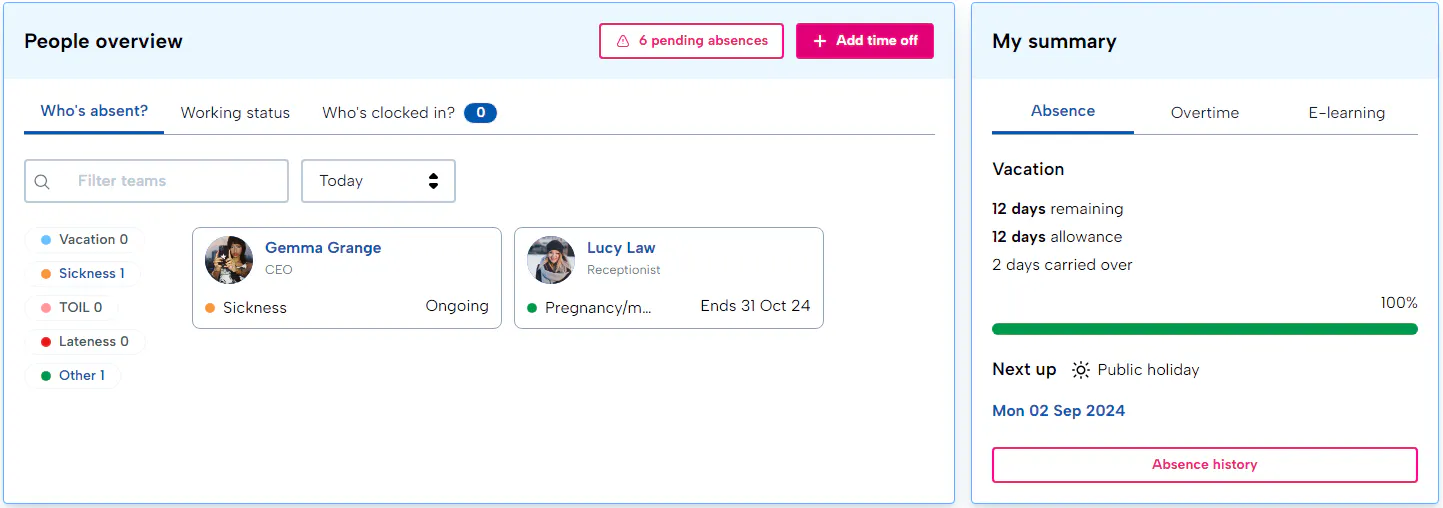
The first page when you login - the dashboard will contain a summary and overview of absences, employee clock-ins and more.
Your Dashboard
First Step
The most important part of using your HR platform, your employees! Let's learn how to get them added to the system and what useful tools can help you.