- ...>Everything you need to know about Easipay
Everything you need to know about Easipay
Easipay is BrightHR’s simplified payroll service. This guide explains how it works, what information you need to provide, how pay runs are processed, and what to expect each month.
What is Easipay?
Easipay is a portal that BrightHR customers can use to manage their account online with a number of useful features such as paying invoices, updating payment details and more!
How do I login to Easipay?
It's quick, easy and simple just head over to Easipay.brighthr.com and login using your BrightHR account number (This begins with BRHR and is followed by 4-5 numbers) and the postcode of the business.
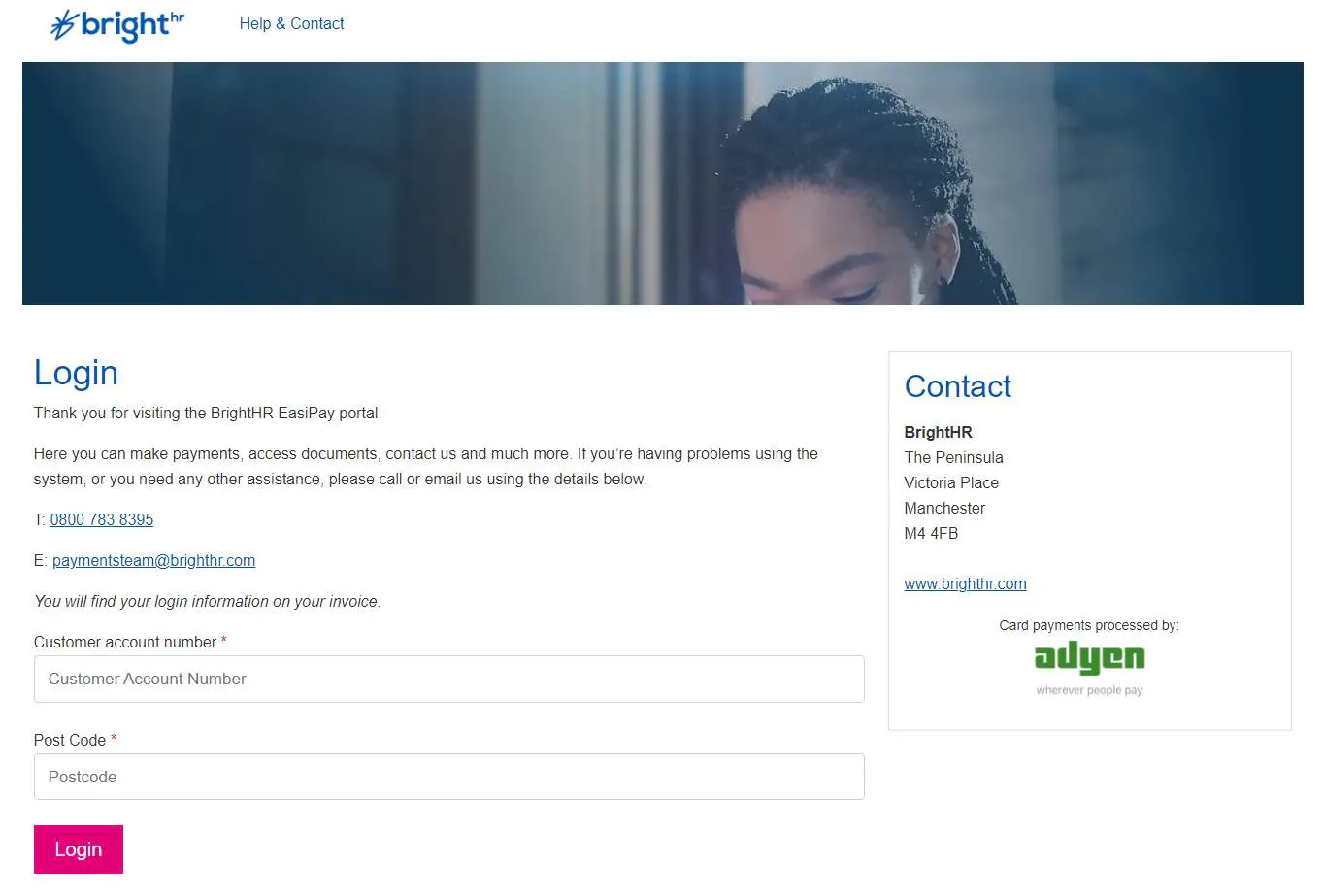
What Can I do on Easipay?
Managing Invoices
With Easipay, you can forget about having to call up and give payments over the phone - no matter how quickly our agents answer its much quicker and easier to pay online in a few clicks.
With a 12 month history of invoices, you will be able to see which invoices you have paid, the total amount of the invoice, the date it was issued and whether there is an outstanding amount.
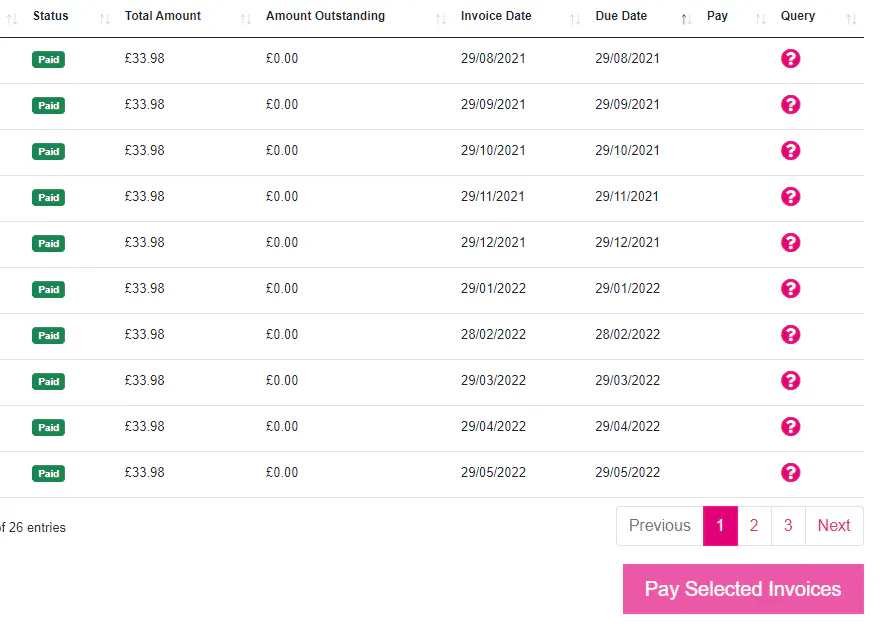
Query
Have an issue with an invoice with something that does not quite look right? Or just have some questions about payment or accessing your invoice? Look no further than our Query feature which allows you to send a request with your query to our payment specialists who will be in touch to put your troubles to ease or answer any itching questions you may have!
Update your Details
Set up Direct Debit Details
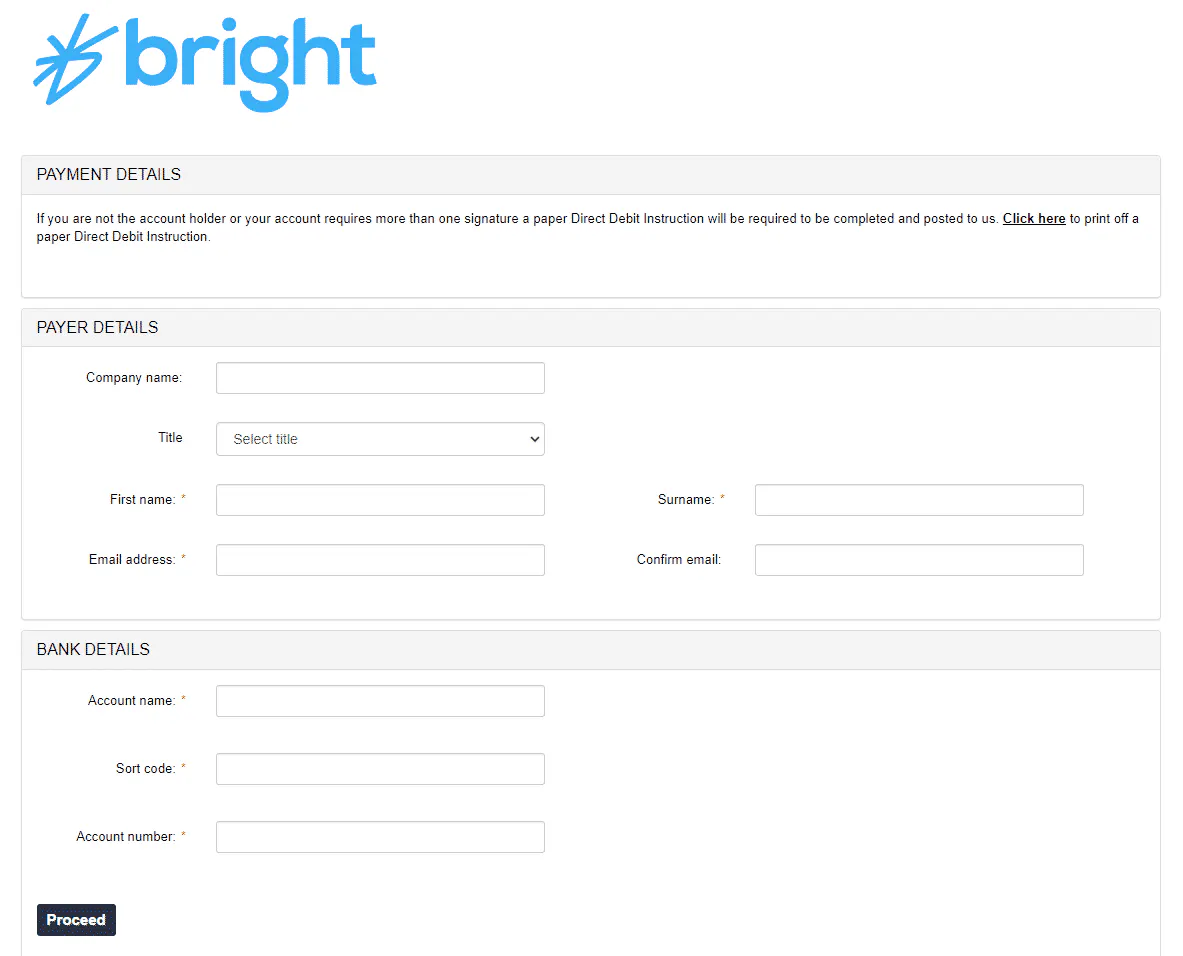
Easipay has everything you need to get started with your account including the option to set up a direct debit so you are not having to manually pay each month!
If you already have one set up, relax and don't worry - if not, simply click the 'Set up Direct Debit' button to add your preferred payment details.

Summary
Now you know how to manage and keep on top of your invoices like a pro!