- ...>Zapier integration
Introducing our Zapier integration!
Zapier lets you connect BrightHR with up to 5,000+ other web services. Automated connections called Zaps, can be set up in minutes with no coding to automate your day-to-day tasks and save you more time to do the important things.
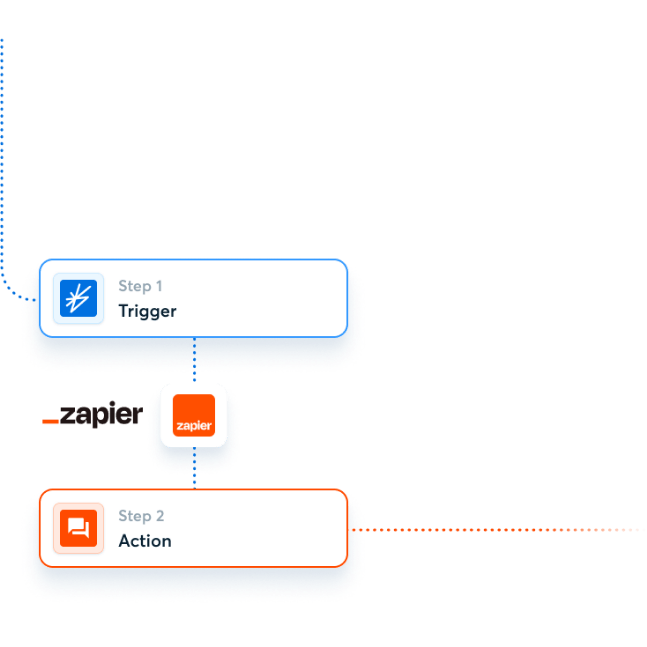
How it works
Try some of the pre-made examples below, and learn more about how BrightHR works with Zapier. This is the easiest way to get started.Create
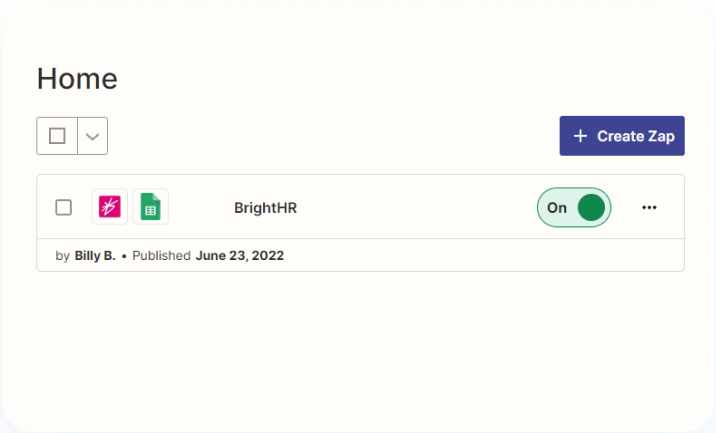 Top Tip: Try one of our ready made templates, we’ve already done the hard part for you.
Sign up
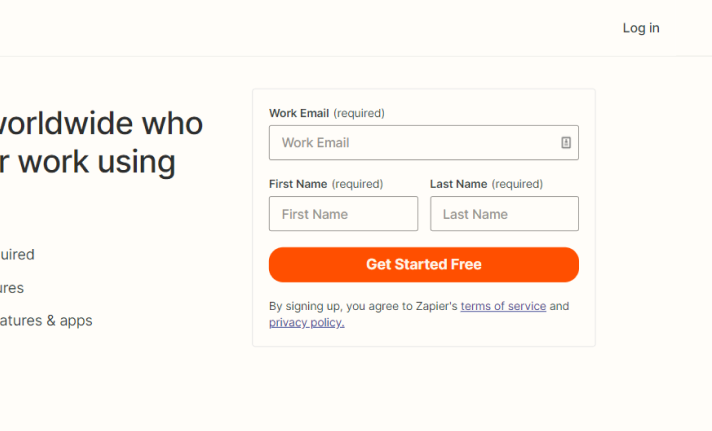 Sign up for a free Zapier account. It’s easy!
Enjoy
 Enjoy all the free time you’ll save with this handy Zap!
Popular ways to use BrightHR workflows
Try some of the pre-made examples below, and learn more about how BrightHR works with Zapier. This is the easiest way to get started.BrightHR + Microsoft
BrightHR + Google Calendar
Schedule by Zapier + BrightHR
BrightHR + Microsoft Teams
BrightHR + Gmail
BrightHR + Zapier Tables
Custom Workflows
Feeling adventurous? You can also build a custom workflow that are tailor-made for you.Log in to your Zapier account and go to the Zap Editor or select Create a Zap from the Zapier Dashboard.
Type “BrightHR” in the Choose a Trigger App search box and select the BrightHR app.

Select an Event from the list, such as New Employee Added and hit continue.

Choose an account and you can connect a new account. You’ll be directed to BrightHR and asked to login using your BrightHR details.

Next just authorize Zapier for BrightHR and select a default BrightHR profile for it to use.

Test your trigger to make sure it works.

Now it is time to add an Action. This is what Zapier will do when your ‘Trigger’ occurs.

Once you’re ready just publish your Zap to switch it on!

Need some help? Check out our Zapier Help and Support Docs.